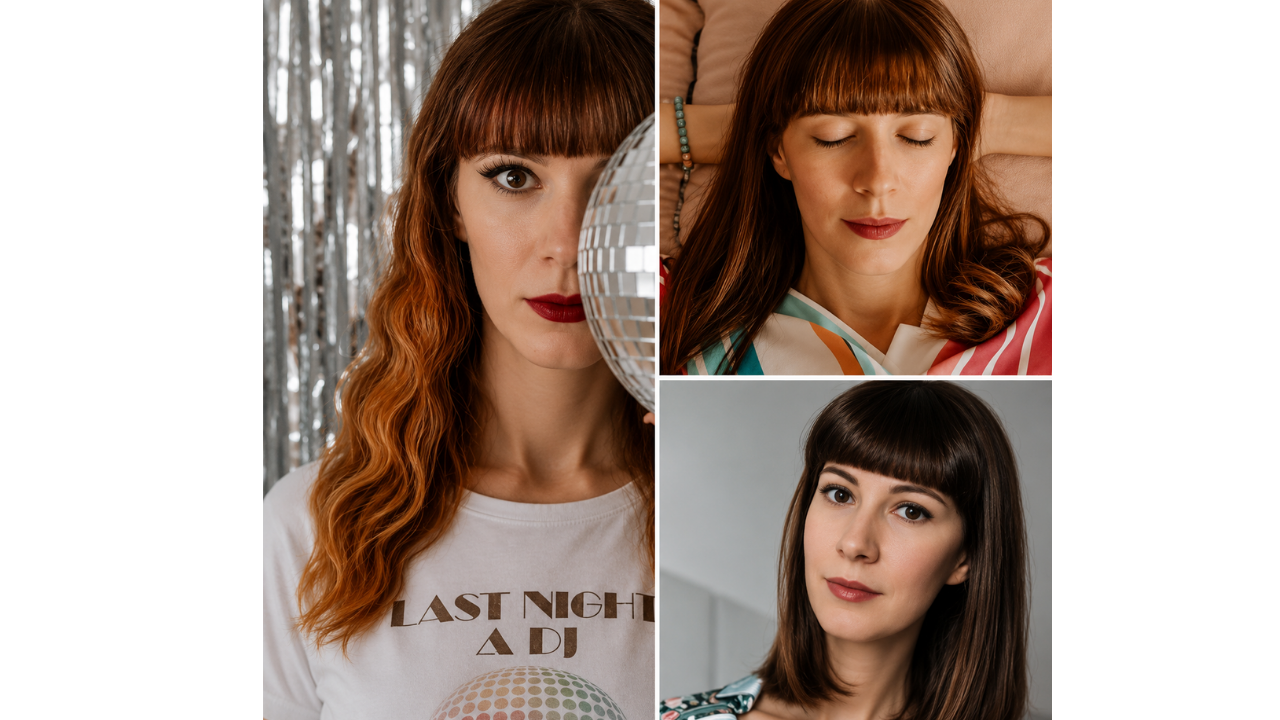

Photo editing can be useful when it improves lighting, color, or small details, but some changes become easier to notice than intended. These examples show filters, reshaping tools, reflection clues, smoothing effects, and edited comparisons where small details tell another story. The humor comes from the editing choices, not the people in the photos. Each example is a reminder that when a photo looks heavily polished, the smallest clue can make the edit stand out.
1. Digital piercing mark added with a drawing tool
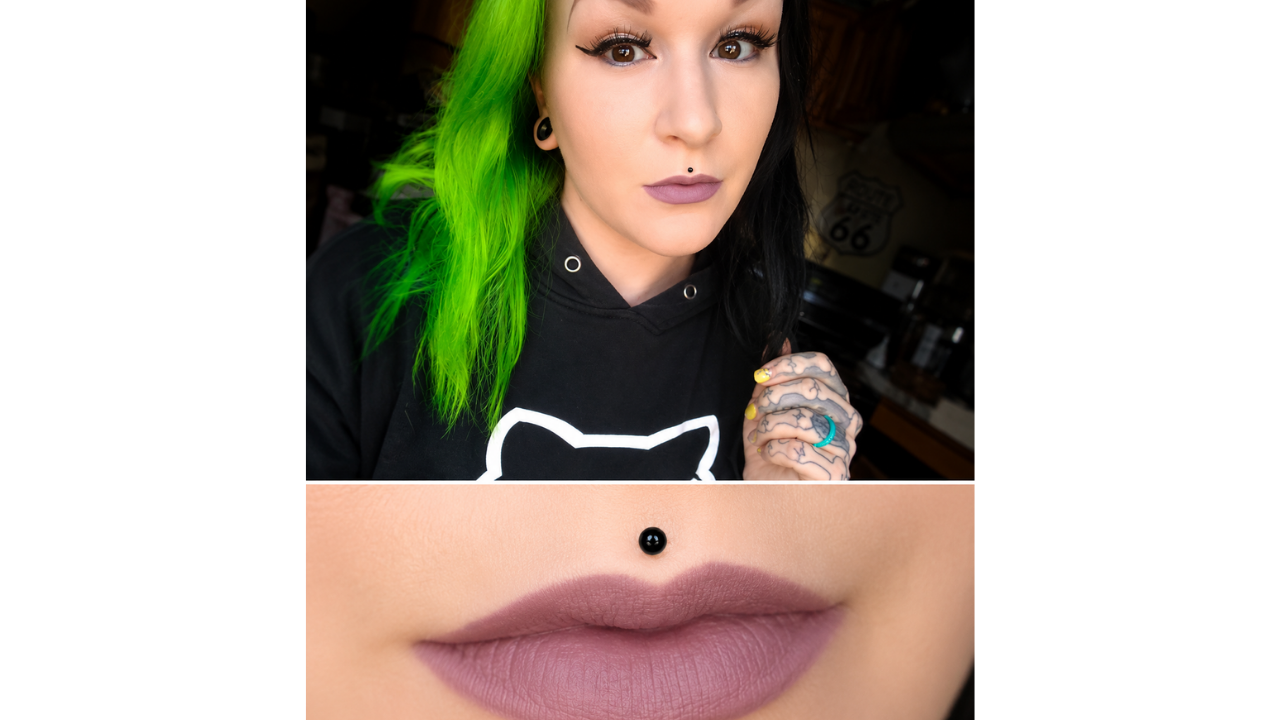
This photo appears to show a small lip piercing, but the close-up makes the edit much easier to notice. The black mark looks more like it was added with a drawing tool than blended naturally into the photo. It may have been a quick way to test a piercing look without committing to one. Still, the zoomed-in version makes the digital shortcut hard to miss.
2. Sharp reshaping effect becomes noticeable
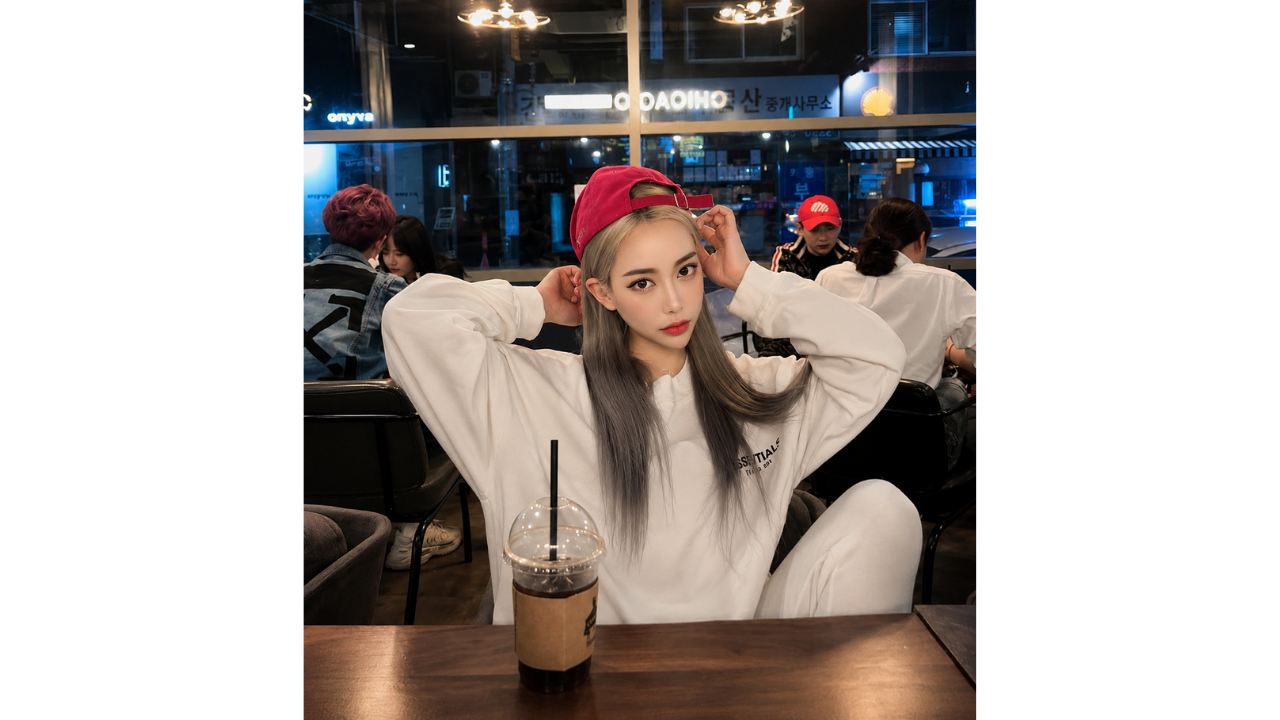
This photo uses a strong reshaping effect around the face, especially near the chin and jawline. The pose, outfit, and setting are already clear, so the edit becomes the detail that stands out most. Instead of blending into the image, the effect gives the photo a very stylized finish. A lighter edit would have helped the photo look more natural.
3. Side-by-side photos show different editing styles
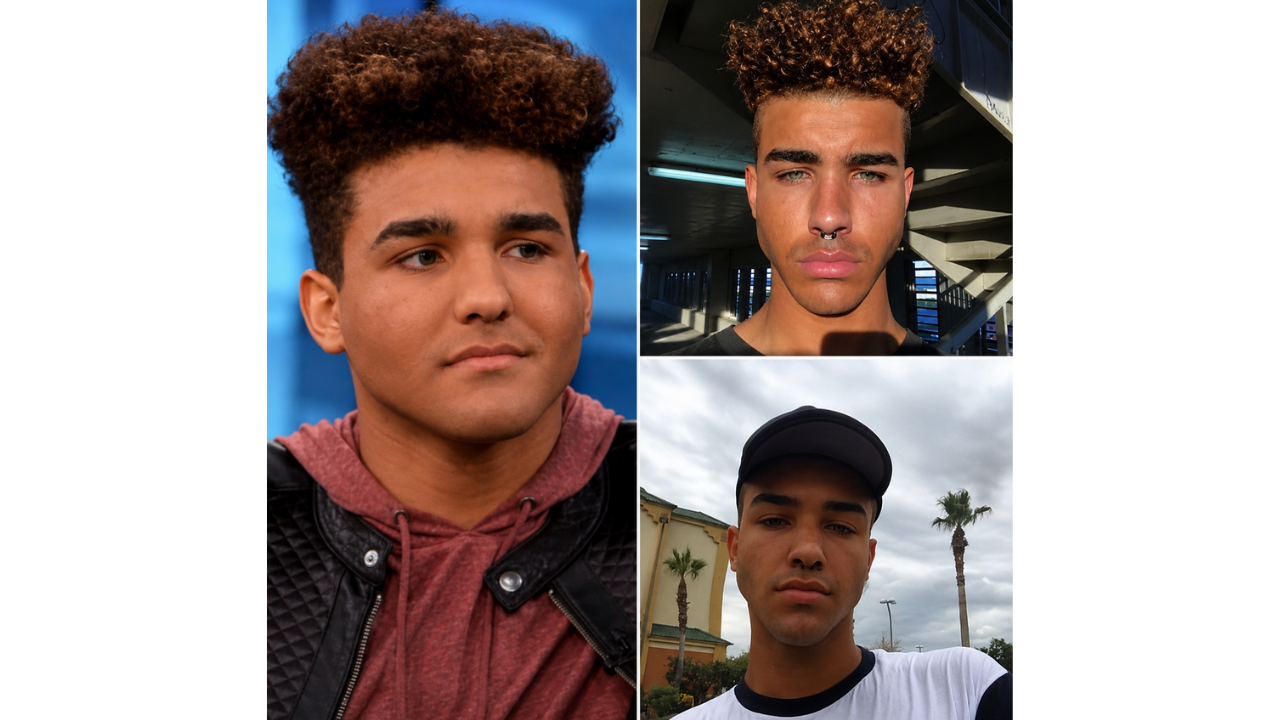
This collage shows how edited selfies can look different from photos or video stills shared elsewhere. The difference is not about judging appearance, but about how filters can change shape, texture, lighting, and overall style. Once several images are placed side by side, the editing choices become easier to notice. It shows why consistency matters when heavily edited photos appear next to more natural ones.
4. Sunglasses reflection tells another story

At first, this outdoor photo looks like a simple posed shot in a uniform-style outfit. The noticeable detail appears in the sunglasses, where the reflection does not seem to match the polished look of the main image. Reflections are easy to overlook during editing, but they can reveal details from the original scene. That small clue makes the photo feel less convincing.
5. Color filters create a heavily edited look
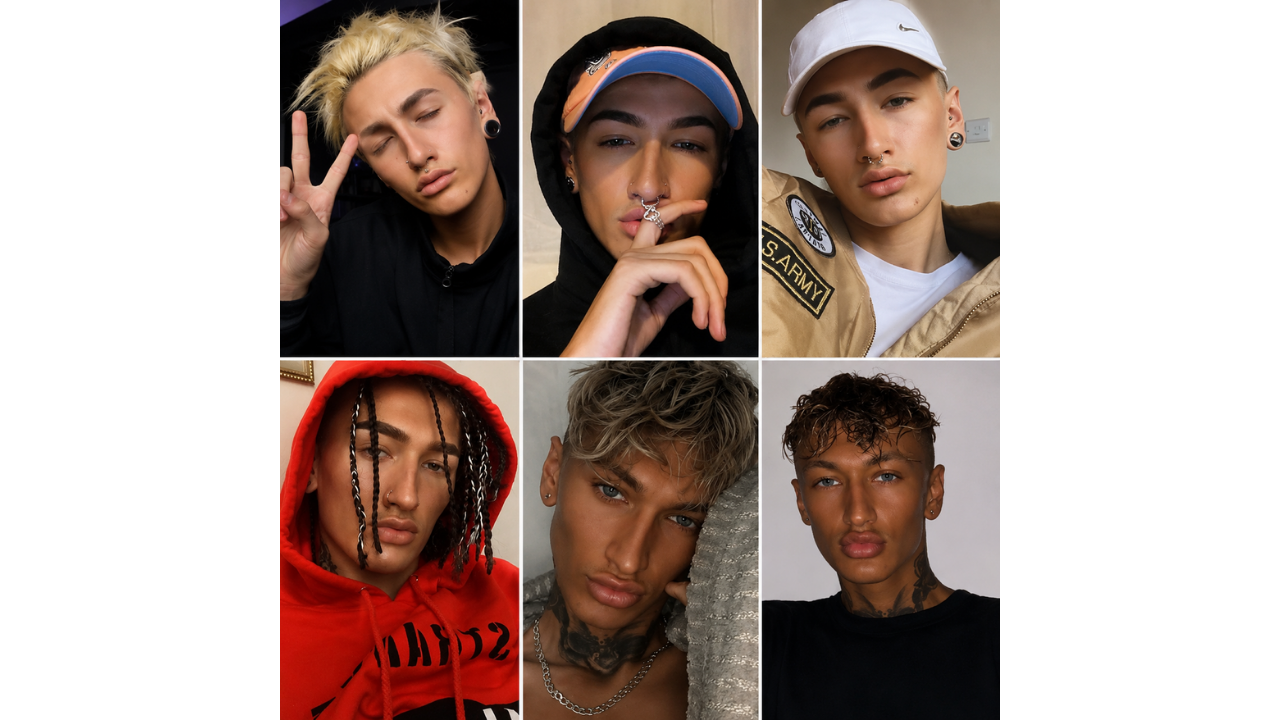
This collage shows several photos where color filters, lighting changes, and styling edits create noticeably different versions of the same general look. The edits appear to affect tone, texture, facial details, and overall finish, making the images feel more like filter experiments than ordinary selfies. Strong changes like this can make the editing more noticeable. A softer approach would keep the photos feeling more consistent.
6. Snowy car scene appears heavily edited

This winter-themed collage has a polished seasonal look, but several details make the setup feel more edited than natural. The snowy train tracks, car interior, coffee cups, and posed angles all look carefully arranged, while some parts of the scene feel too perfect to be casual. The result works as a winter aesthetic, but the editing choices are easy to question. It is a good example of how a photo can look beautiful while still feeling digitally staged.
7. Formal-style photo appears heavily smoothed
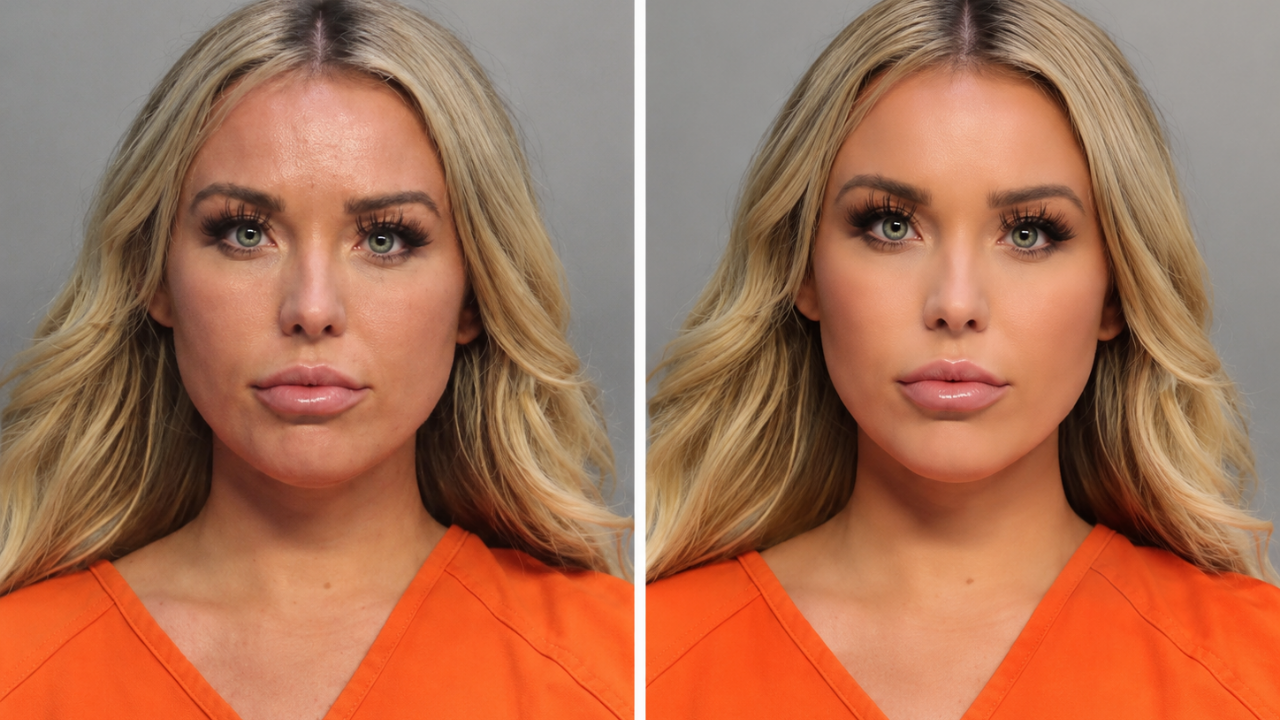
This side-by-side image shows a formal-style photo with heavy smoothing and brightening applied. The edited version softens texture, shadows, and small facial details in a way that makes the filter easy to spot. The contrast between the two versions is what makes the edit stand out. Formal photos usually feel stronger when they stay clean, simple, and realistic.
8. Hair edits change the whole style
These images show how editing can completely change a hairstyle between frames. One version has long waves, while the others show different cuts, colors, bangs, and textures. Hair edits can be fun, but they become obvious when the same photo set shows very different results. The collage feels more like a digital hair experiment than a simple style update.
9. Heavy filter gives the photo a stylized look
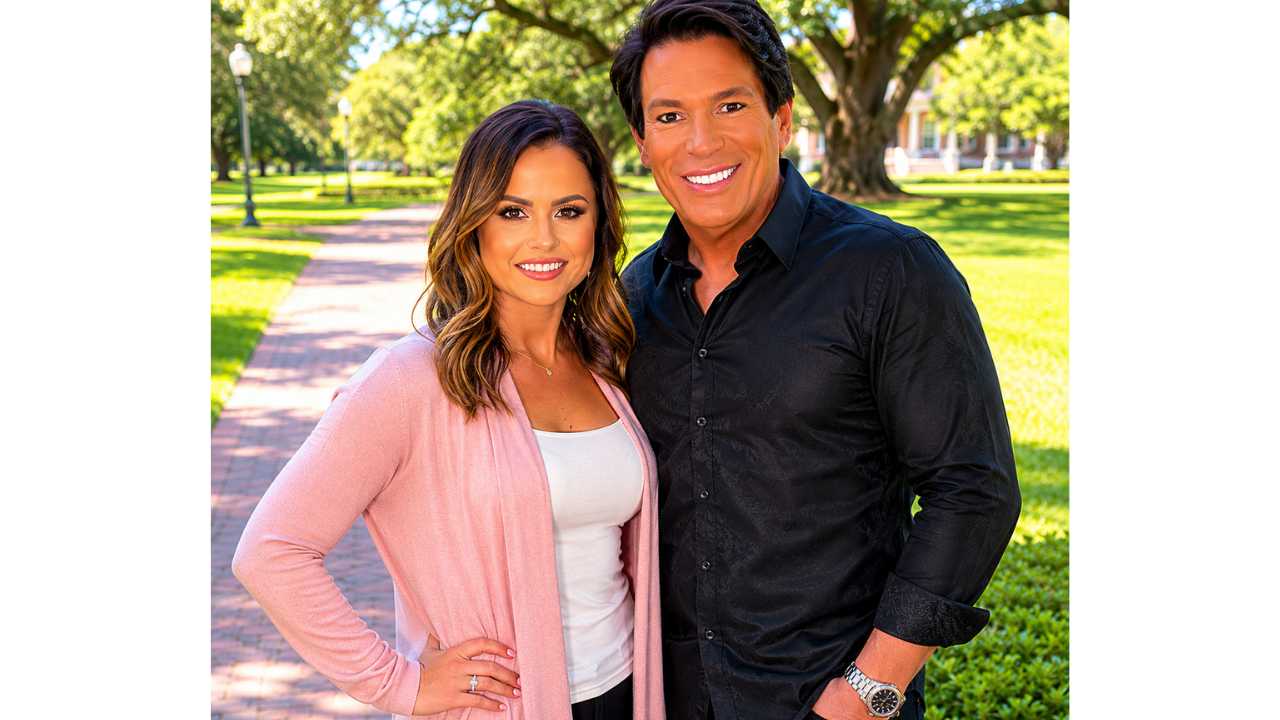
This outdoor photo uses heavy smoothing, bright highlights, sparkle effects, and a very polished finish. The background looks realistic, but the filter effect on the subject draws attention because it is much stronger than the rest of the image. The result feels more like a stylized edit than a natural portrait. It shows how too many effects can overpower a simple photo.
10. Smoothing filter removes natural texture
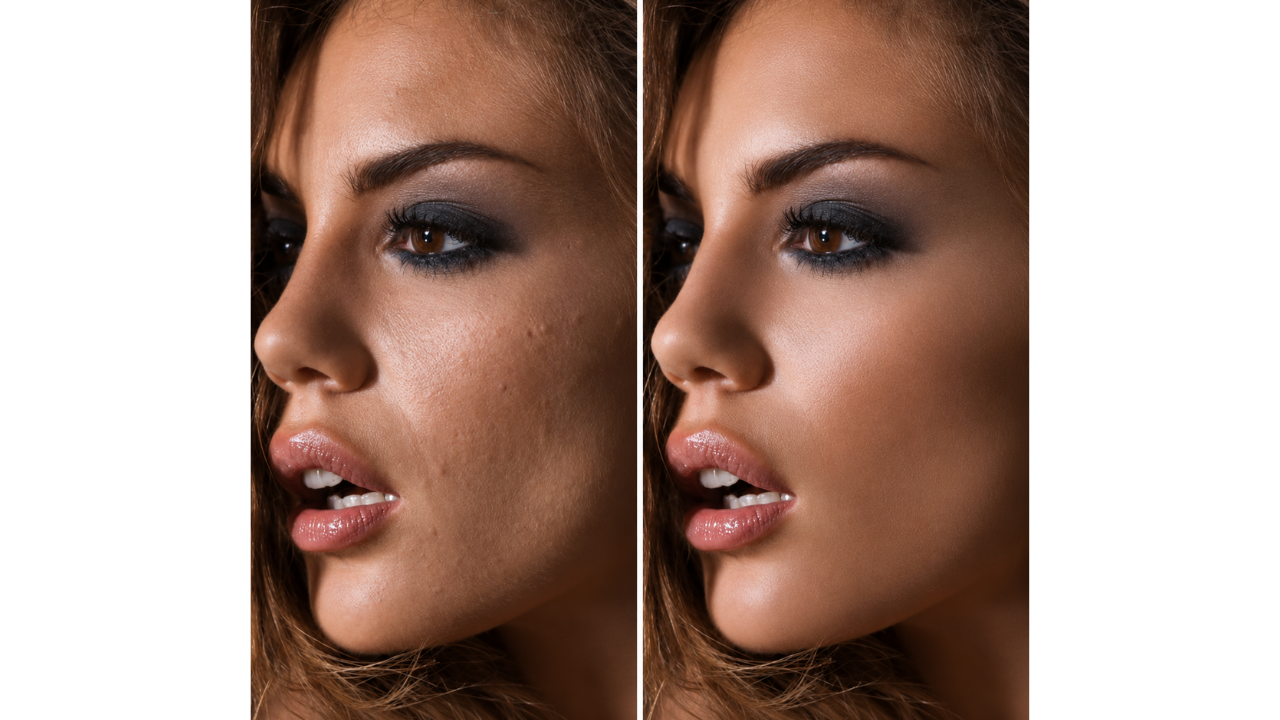
This side-by-side image shows how smoothing tools can change the look of a close-up portrait. The edited version removes much of the natural skin texture, while the comparison image shows more normal detail. The difference makes the filter easy to understand because the change is clearly visible. Leaving some natural texture often makes an edited photo feel more believable.
11. Portrait restoration shows an earlier alteration
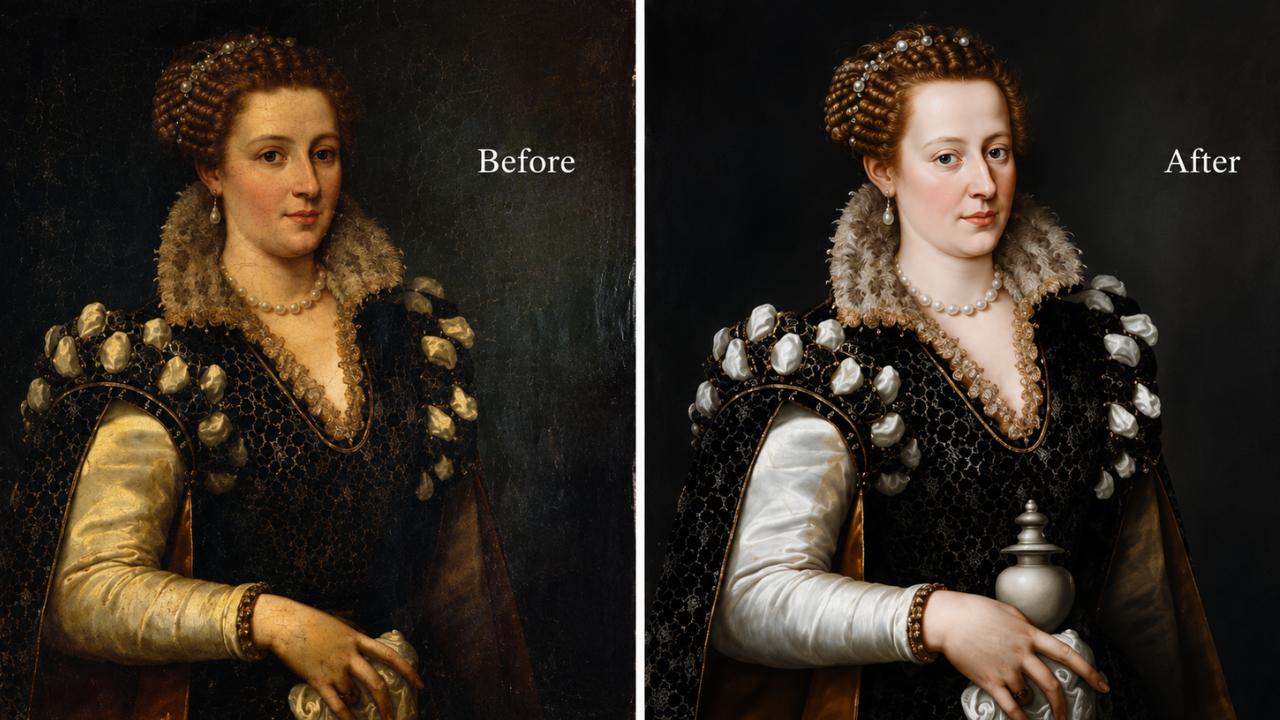
This painting comparison shows that image alteration is not only a modern social media habit. The restored version appears to reveal changes made to the original portrait, giving the before-and-after image a surprisingly familiar editing feel. Instead of an app or filter, the changes came through restoration and painting history. It is an interesting reminder that portraits have been adjusted for a long time, even before digital tools existed.
Comments (0)
No comments yet. Be the first to share your thoughts!